Salon Operations
How to Run a Successful Salon or Barbershop: A Practical Guide
Build a calmer salon day with a practical opening checklist, realistic staff schedules, better client handoffs and five weekly business measures.
By Dhaval Prajapati · Published · Updated
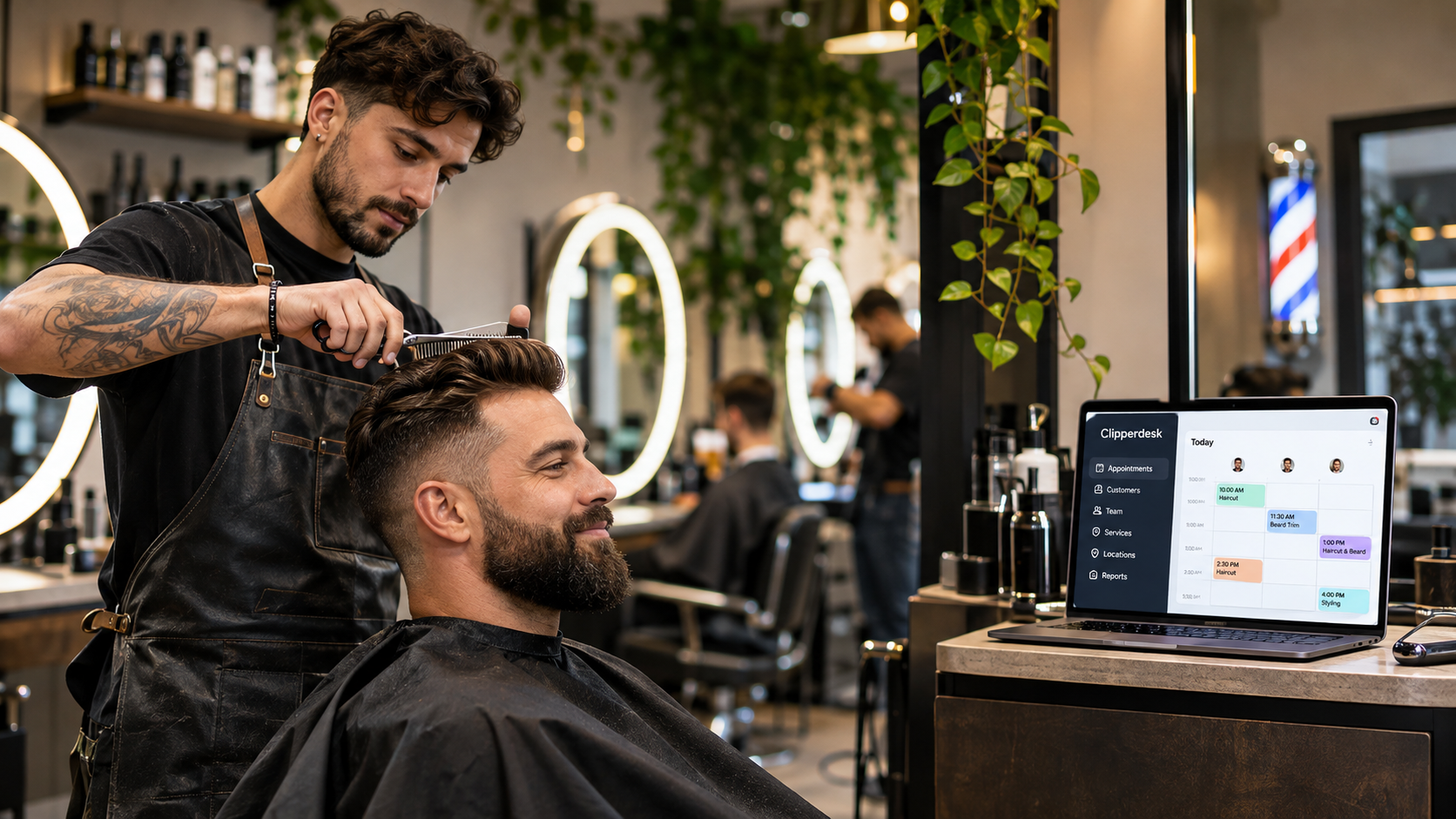
A well-run salon makes the next step clear: clients know when to arrive, the team knows who is doing the work, and the owner can explain the day's sales. Start by making booking, arrival, service and checkout work together, then improve the weakest part of that journey.
This guide is for owners of independent salons and barbershops who want a repeatable daily routine. If you are still planning your opening, begin with our salon startup budget and opening checklist.
1. Start every day with a ten-minute schedule review
Before the first client arrives, give one person responsibility for checking the day. A short review helps the team spot problems while there is still time to contact clients or adjust the plan.
Confirm who is working, including breaks, time off and service qualifications.
Check long appointments, service handoffs and any room or equipment requirements.
Review changes, cancellations and client requests made since the previous shift.
Identify gaps that could accommodate a walk-in without delaying a booked client.
Make sure the team knows who can approve an exception.
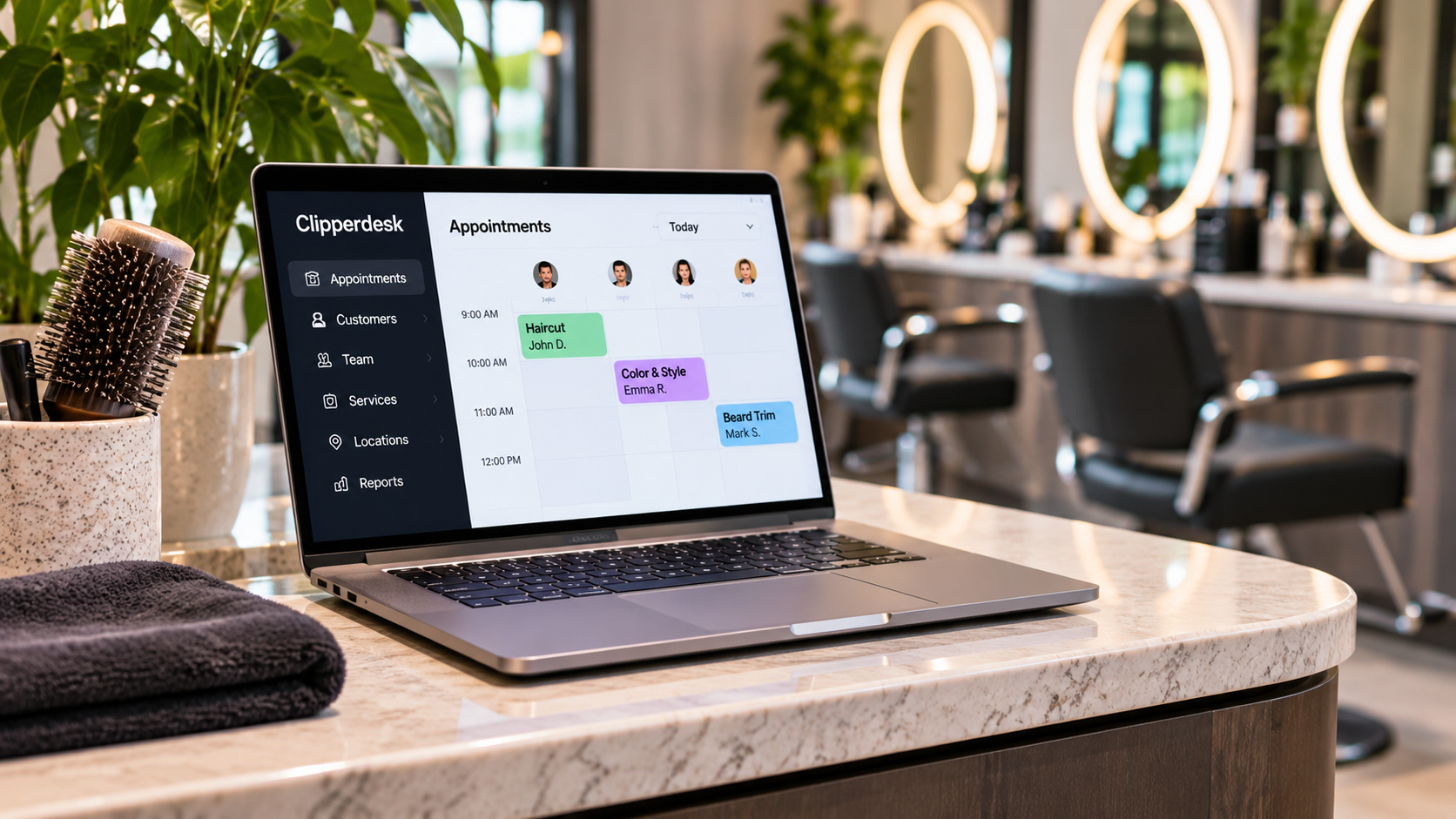
Update the shared calendar when a plan changes. A note in a private message does not help the next receptionist if the calendar still shows the old time.
2. Make online booking match what happens in the salon
Clear service names, realistic durations and accurate availability matter more than a long menu. Explain what is included, show the price or how it is determined, and make the booking link easy to find on your website.
Test the journey on a phone as a new client: choose a service, select a professional, check the location and finish the booking. Read the confirmation too. It should make the appointment time and next steps clear.
ClipperDesk's online booking workflow uses the availability and rules shared with your front desk. Configure services and staff hours before publishing your booking page. Online deposit collection is currently unavailable; a client whose booking requires a deposit must contact the business to finish.
3. Fit walk-ins around the next appointment
A vacant chair does not always mean a professional has time for another service. Check the service duration, preparation and cleanup time, and the next reserved appointment before promising a start time.
Example: a barber has a booking at 2:00 pm. A walk-in arrives at 1:20 pm for a 30-minute service, with 10 minutes needed afterward for cleanup. The whole window is already used. A late start or longer service would put the next booking at risk, so explain the available options before accepting the walk-in.
Give estimated waits rather than guarantees and update clients if the day changes. See how appointments and walk-ins can share one calendar.
4. Use a consistent response to missed appointments
Confirm the service, time and location, provide a way to change the booking, and explain your cancellation terms before the client commits. Record cancellations and no-shows separately so you can identify the actual problem.
Our guide to reducing salon no-shows includes message examples, a clear measurement method and a 30-day improvement plan. Test one process change at a time instead of introducing several new rules at once.
5. Make client handoffs useful and private
The next professional needs relevant service preferences, not every personal detail the business has collected. Keep notes factual, limit access appropriately and ask before taking or sharing client photographs.
At arrival, confirm the booked service and any requested changes.
Before service, review relevant preferences and consultation information.
At checkout, confirm what was delivered and explain the final total.
Offer a suitable next appointment without pressuring the client.
ClipperDesk's client profiles and visit history keep useful context connected to the visit, with access controlled by role.
6. Review five measures every week
Use the same period and definitions each time. Keep tax and tips separate from service revenue, and compare like-for-like weeks before drawing conclusions.
Completed visits: how many appointments actually took place?
No-show rate: what share of appointments due in the period ended as no-shows?
Average service value: net service revenue divided by completed visits, using a consistent treatment of discounts and refunds.
Booked time: booked service minutes compared with working minutes available for appointments.
Return visits: how many clients in a defined group returned within the same chosen follow-up window?
Illustrative example: 300 completed visits at an average service value of $55 produce $16,500 in service revenue before expenses. At the same volume, $60 produces $18,000. The $1,500 difference is revenue, not profit; pricing changes may also affect demand and costs.
Use checkout records and reports to investigate totals rather than relying on a headline alone. ClipperDesk records payments received elsewhere; it does not charge clients' cards or send refunds to their payment provider.
7. Build a reputation clients can verify
Keep your salon's address, opening hours, services and booking instructions accurate wherever clients find you. Use genuine photographs with permission. Ask clients for honest feedback consistently rather than only asking people you expect to give a positive review.
For eligible in-person businesses, Google's Business Profile eligibility guidance explains who can have a profile. A salon's local listing and a software company's website serve different audiences; keep each business's identity clear.
A simple weekly operating routine
Before opening: review staff, bookings, service timing and changes.
During the day: keep arrival, service and appointment changes current.
Before closing: check completed visits, receipts, unpaid balances and the next day's exceptions.
Once a week: review the five measures, choose one problem and assign a person to improve it.
Common questions
What should a new salon owner improve first?
Follow one real booking from start to finish and fix the largest source of confusion or repeated work. For many teams, that means accurate service timing, staff hours or clearer confirmations.
Can a barbershop handle appointments and walk-ins together?
Yes, when both use the same view of staff time. Check the whole service window before accepting a walk-in and explain waiting-time changes promptly.
When should I change software?
First identify the workflow your current tools cannot support. Then use the same realistic tasks to assess alternatives. Our salon software buying checklist gives you a repeatable way to do that.
Choose one routine to improve this week. To see how those routines fit the product, explore ClipperDesk for barbershops or ClipperDesk for salons.
Try the workflow with your team
See how ClipperDesk connects booking, staff schedules and client records. Check the fit with your services before choosing a subscription.
Published by ClipperDesk. Worked examples are illustrative unless identified otherwise; this guide does not claim independent product testing or guaranteed business results.